Free on the App Store. No trial, no paywall.
The business card scanner app that skips the typing
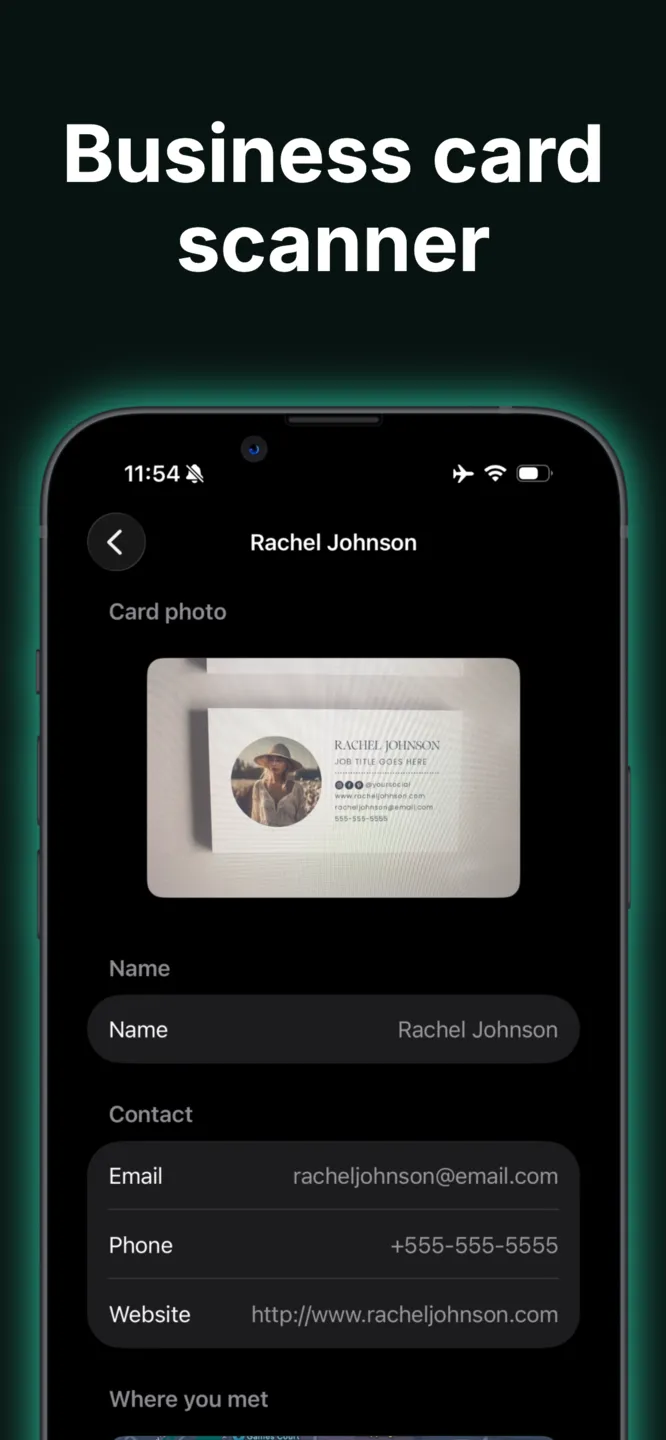
Point your iPhone camera at a paper business card and Typecard reads the name, company, title, email, and phone straight into a new contact — on-device, in seconds.
No manual entry
Scan a card, get a contact
Frame the card in the viewfinder and tap the shutter. Typecard reads the printed text and pre-fills a contact card for you to check and save.
On-device
Private by default
Text recognition runs on your iPhone using Apple's Vision framework. The photo you scan isn't uploaded anywhere just to read it.
Two-way
Share yours back
The same Scan tab reads QR codes, so you can trade a paper card for a saved contact and hand back your own digital card in one meeting.
How the scanner works
Three steps between "here's my card" and a saved contact in your phone.
-
01
Open the Scan tab and choose Paper Card mode.
-
02
Line the card up in the frame and tap to capture — Typecard extracts the name, company, role, email, phone, and website.
-
03
Typecard saves it automatically — no form to fill out. If it missed something, fix it from the contact afterward.
Why it beats a stack of cards
Every card, actually searchable
A pocket full of business cards is a pocket full of contacts you'll never look up again. Scanning them the moment you get them means they're saved, searchable, and exportable before you lose the card itself.
- —Free to use — no scan limit, no watermark
- —Also scans QR codes and event badges
- —Works alongside your own Typecard digital business card

Frequently asked questions
- What does the business card scanner actually read?
- It reads the printed text on the card — typically name, job title, company, email, phone number, and website — and saves it as a new contact automatically. You can edit any field afterward if the scan missed something.
- Is scanning free, or does it need a subscription?
- Free, with no scan limit and no watermark. Paid plans exist only for teams that want centralized card management across a company; see pricing.
- Does it also work for event badges, not just paper cards?
- Yes — the same Scan tab has an Event Badge mode sized for lanyards. See our trade show badge scanner page for details.
- Do I need an internet connection to scan a card?
- No. Text recognition happens on your iPhone. You'll need a connection to save the contact to your account, but the scan itself works offline.
- Is there an Android version?
- Not yet. The scanner is part of the Typecard iPhone app. On Android you can still create and share your own digital card from the browser.
Stop retyping business cards
Download Typecard free and turn the next card you're handed into a saved contact instead of clutter in your bag.
More Typecard features
See what else you can do with Typecard
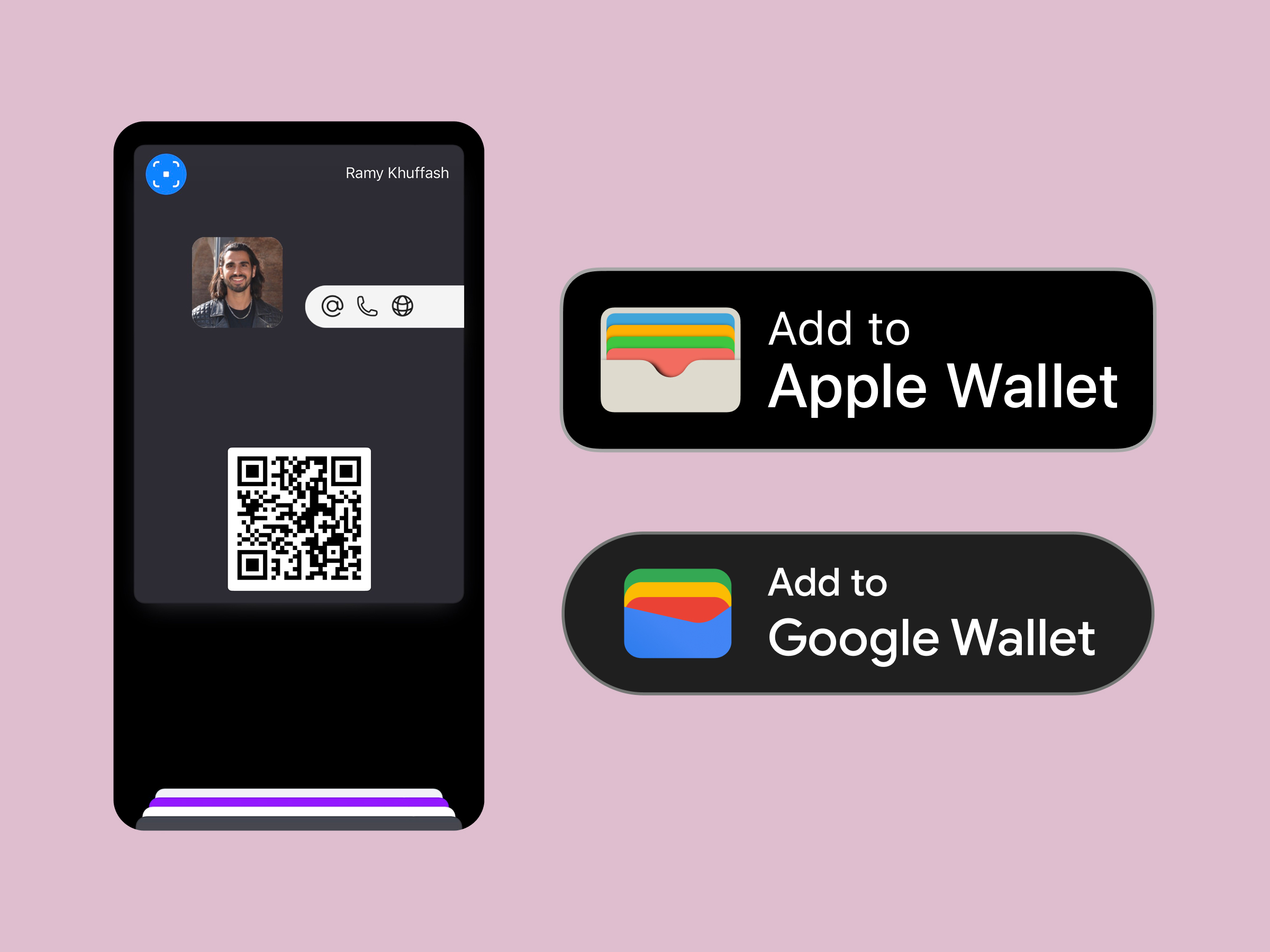
Wallet sharing
Apple wallet business card
Drop your card into Apple and Google Wallet for double-click sharing.
Print friendly
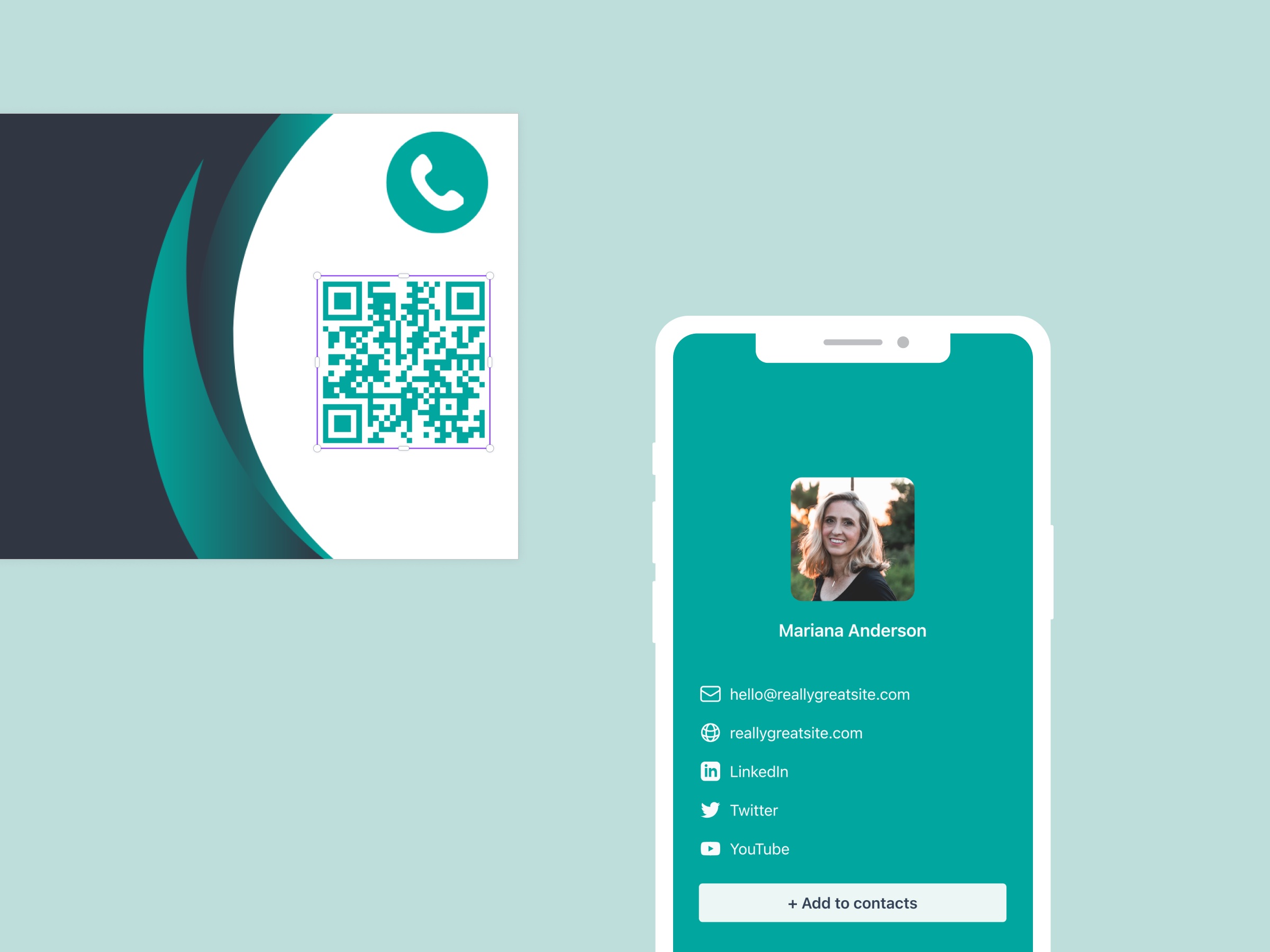
Business card QR code
Generate on-brand QR codes that route from print to your digital profile.
For companies
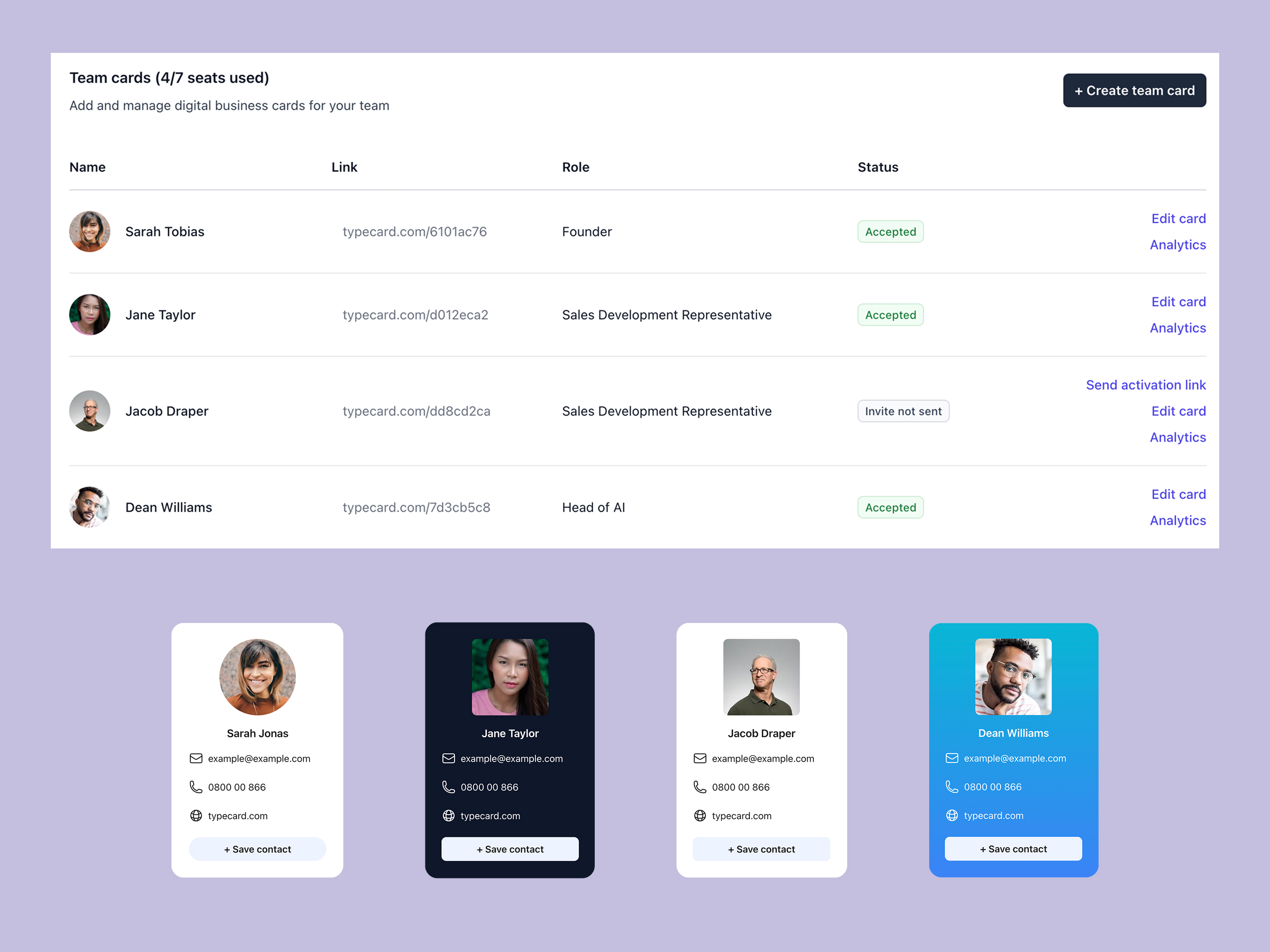
Digital business card for teams
Manage cards for every employee with approvals, analytics, and templates.
Design control
Custom Digital business card
Unlock flexible layouts, CTA styles, and Canva-ready templates.
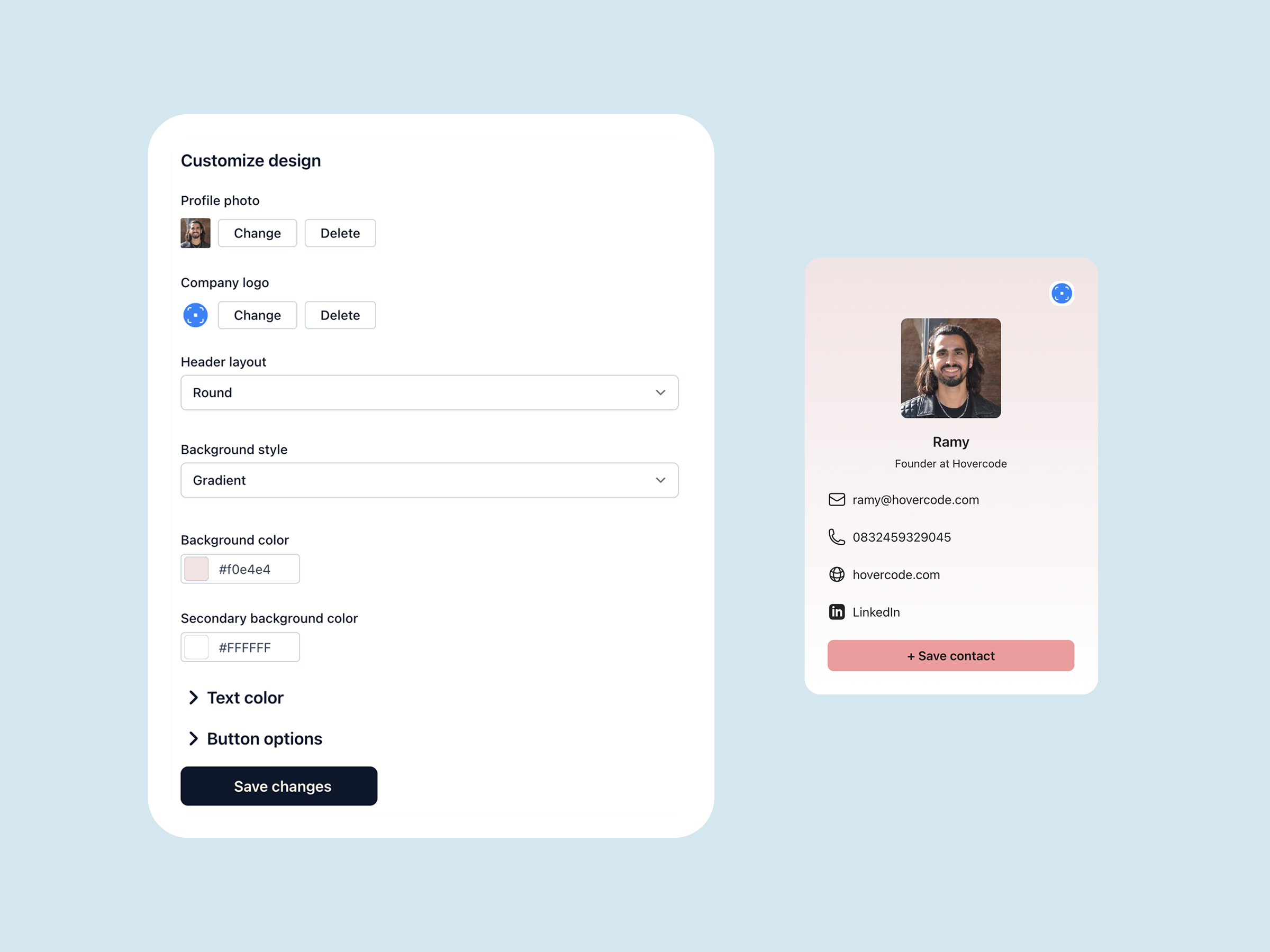
Free on iOS
Digital business card app
Share your card in one tap, scan anyone's QR code, and keep every contact on iPhone.
For events
Trade show badge scanner
Scan the badges you collect at conferences and expos and turn them into contacts on the spot.