Free on the App Store. Just your iPhone camera.
A trade show badge scanner that lives in your pocket
Point your iPhone at the lanyard badge someone's wearing and Typecard reads their name, title, and company into a saved contact — no badge reader, no NFC hardware, no app on their end.
Built for lanyards
Event Badge mode
The Scan tab has a viewfinder framed for the portrait shape of a conference badge, so you don't have to fight a landscape crop while someone's standing in front of you.
No hardware
Nothing to rent or ship
No badge reader, no NFC scanner, no separate lead-retrieval device to pick up at registration. If you have your iPhone, you have the scanner.
Their side
Nothing for them to install
You're scanning their printed badge, not their phone. They don't need Typecard, an app, or even to know you used it.
From "nice to meet you" to a saved contact
Built for walking a show floor, not for a booth's registration desk.
-
01
Open the Scan tab and switch to Event Badge mode.
-
02
Frame their badge and tap the shutter — Typecard reads the printed name, title, and company.
-
03
Typecard saves it automatically — no form to fill out between badges, so you keep moving. Add a note or fix a detail from the contact afterward.
Set expectations
Made for attendees, not booth staff
Typecard scans one badge at a time and is meant for you, personally, to remember the people you meet. If you're an exhibitor needing bulk lead capture across thousands of attendees, you'll still want a dedicated lead-retrieval system from show organizers — Typecard is the lightweight option for everyone else on the floor.
- —Nothing blocks the camera between scans — save happens in the background so you can move straight to the next badge
- —Free to use — no scan limit, no watermark
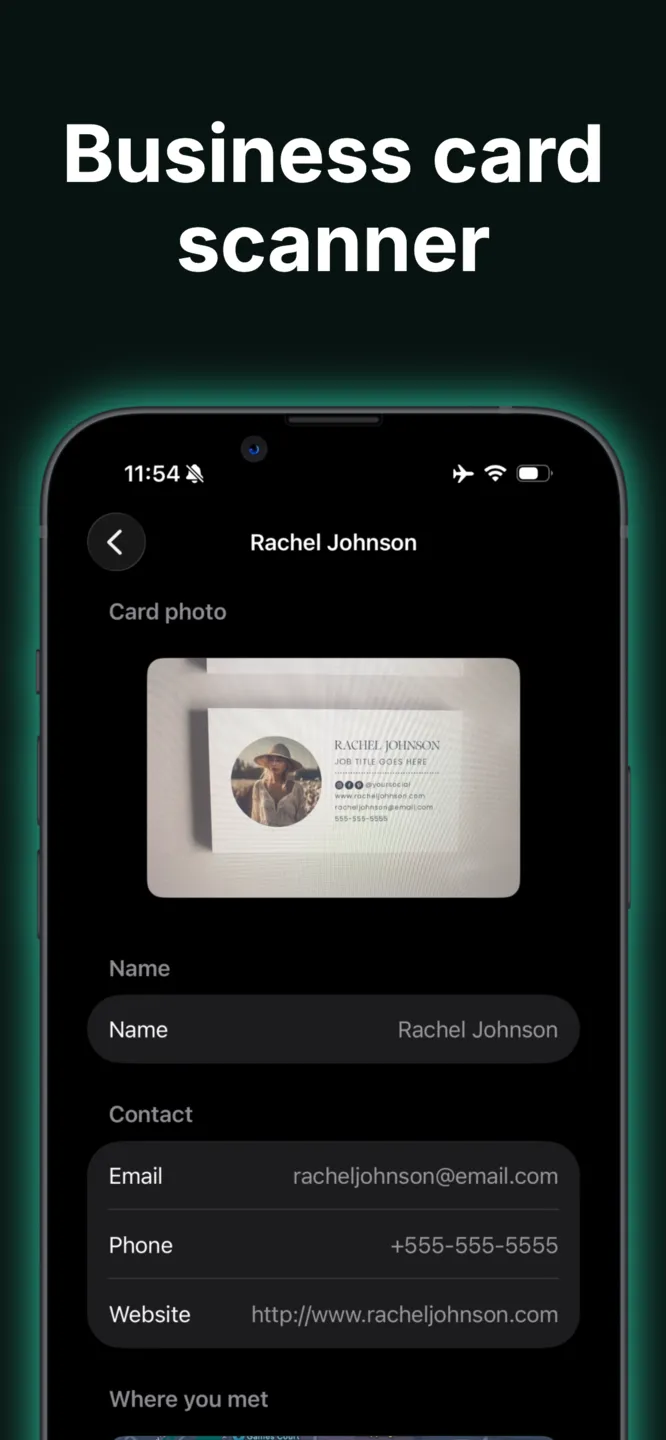
- —Also scans paper business cards and QR codes
- —Hand back your own digital card from the same app

Frequently asked questions
- Does this replace a lead-retrieval system for exhibitors?
- No. It's built for individual attendees who want to remember who they talked to, one badge at a time. If you're staffing a booth and need bulk lead capture with the event's badge chips, you'll want the show's official lead-retrieval hardware.
- Do I need special hardware or an NFC reader?
- No. Typecard reads the printed text on a badge using your iPhone's camera — there's no NFC chip or barcode reading involved.
- What information does it capture from a badge?
- Whatever's printed on it — typically name, job title, and company. You can add email, phone, or notes yourself before saving.
- Is it free to use at a conference?
- Yes, scanning is free with no limit and no watermark. See pricing for the team plans built for companies sending a group to an event.
- Can I also scan regular business cards with it?
- Yes — the same Scan tab has a Paper Card mode for standard business cards. See our business card scanner page for details.
Walk the show floor without the paper trail
Download Typecard free before your next conference and turn every badge you scan into a contact you'll actually follow up with.
More Typecard features
See what else you can do with Typecard
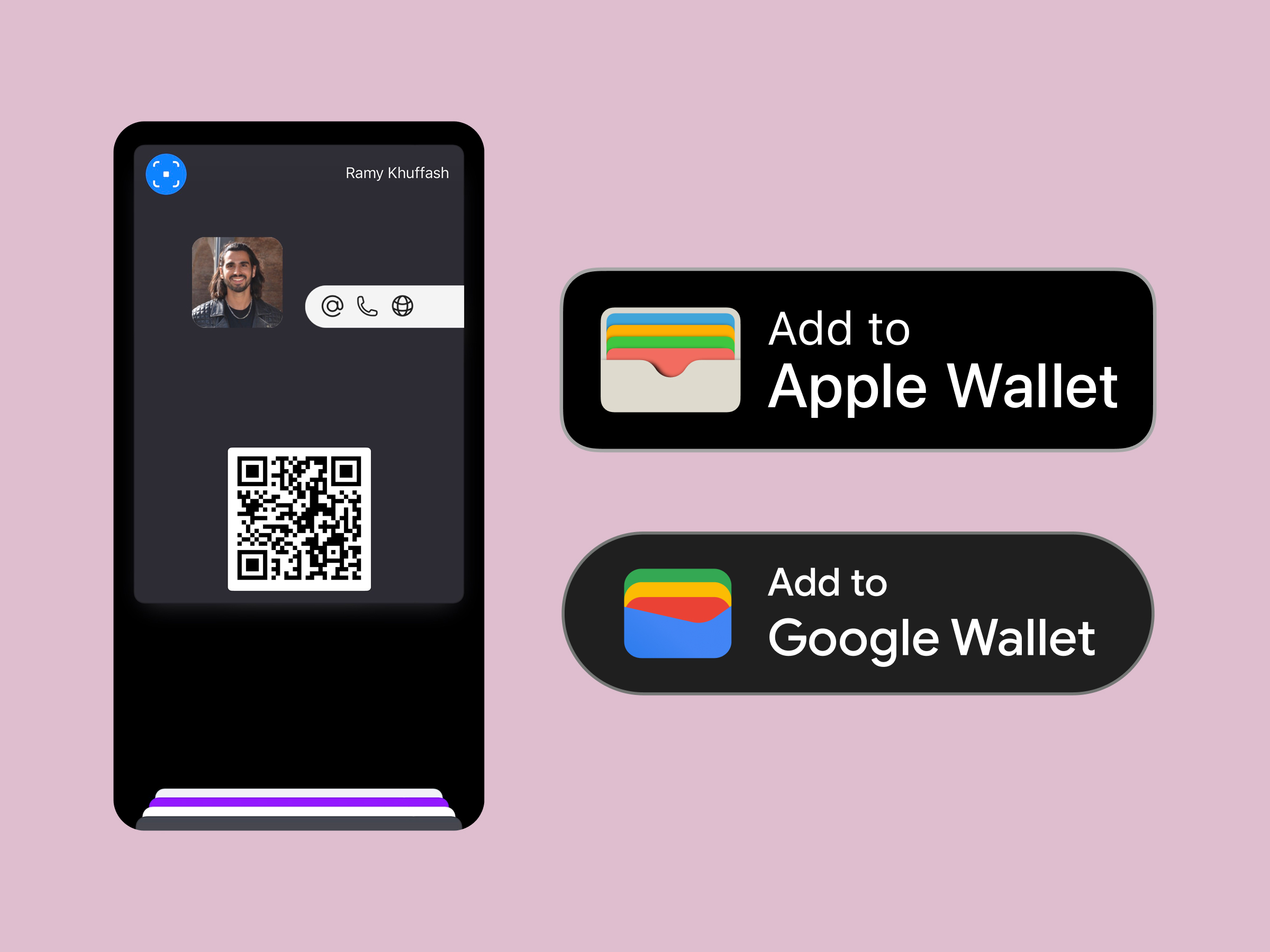
Wallet sharing
Apple wallet business card
Drop your card into Apple and Google Wallet for double-click sharing.
Print friendly
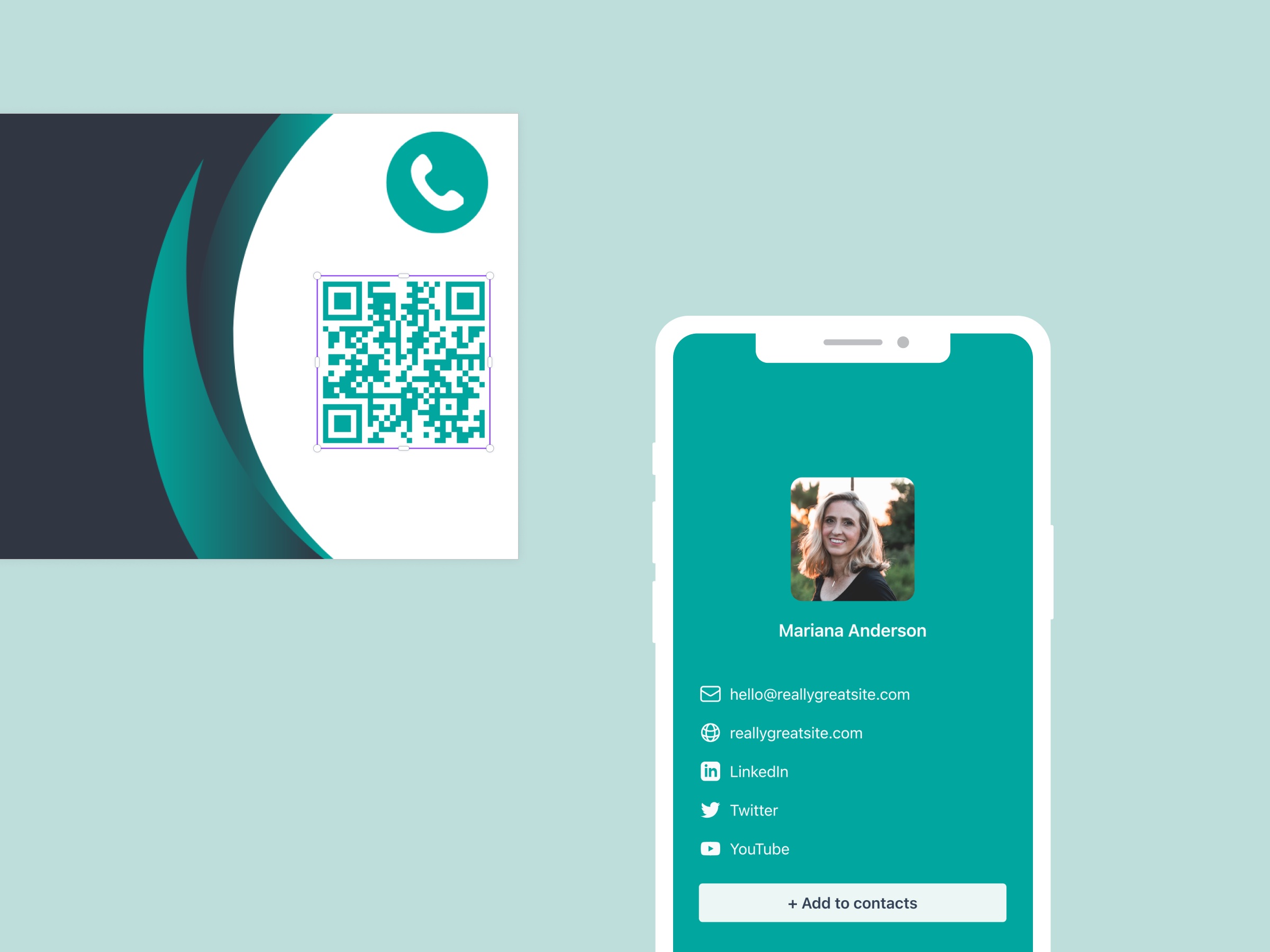
Business card QR code
Generate on-brand QR codes that route from print to your digital profile.
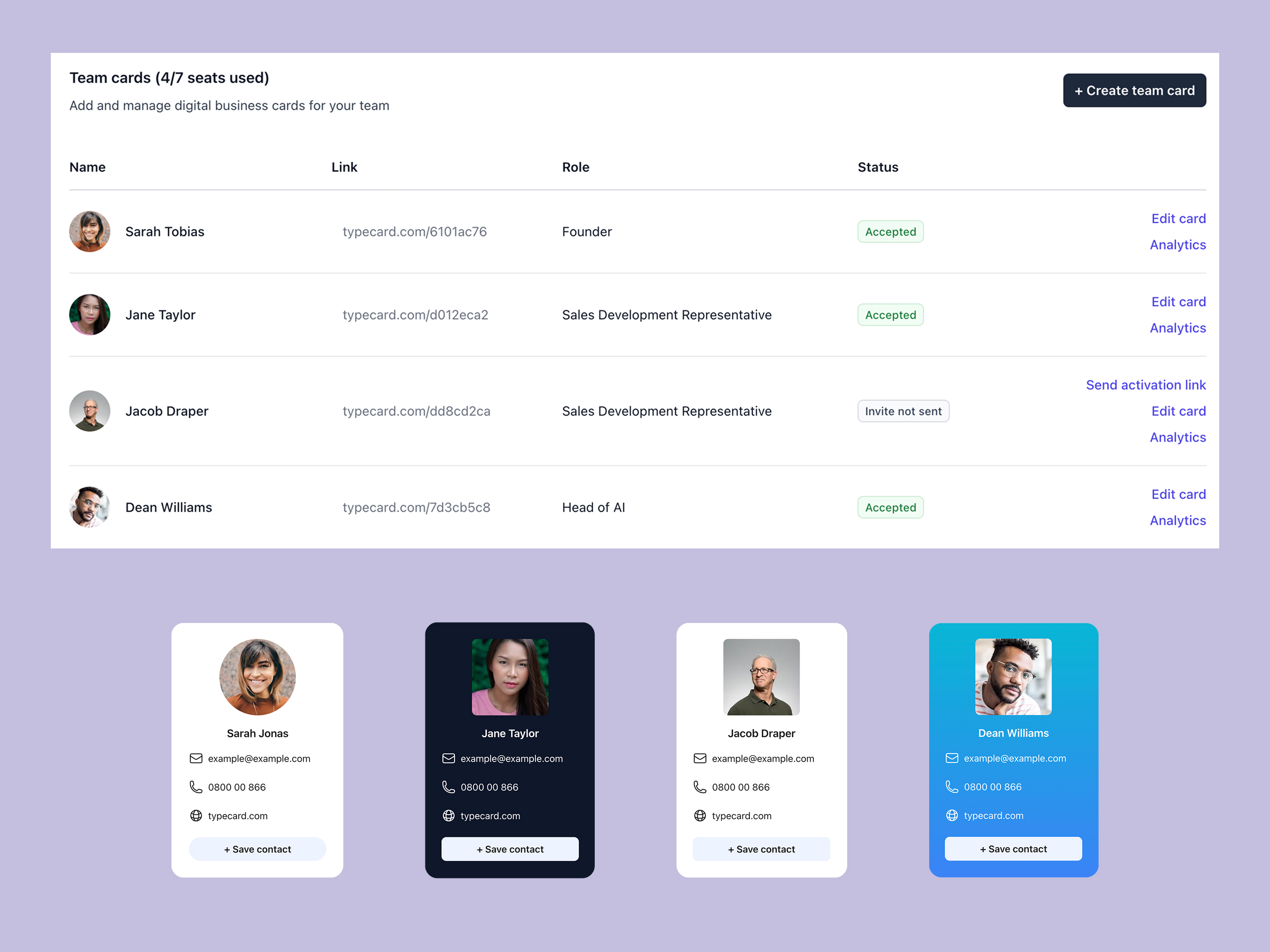
For companies
Digital business card for teams
Manage cards for every employee with approvals, analytics, and templates.
Design control
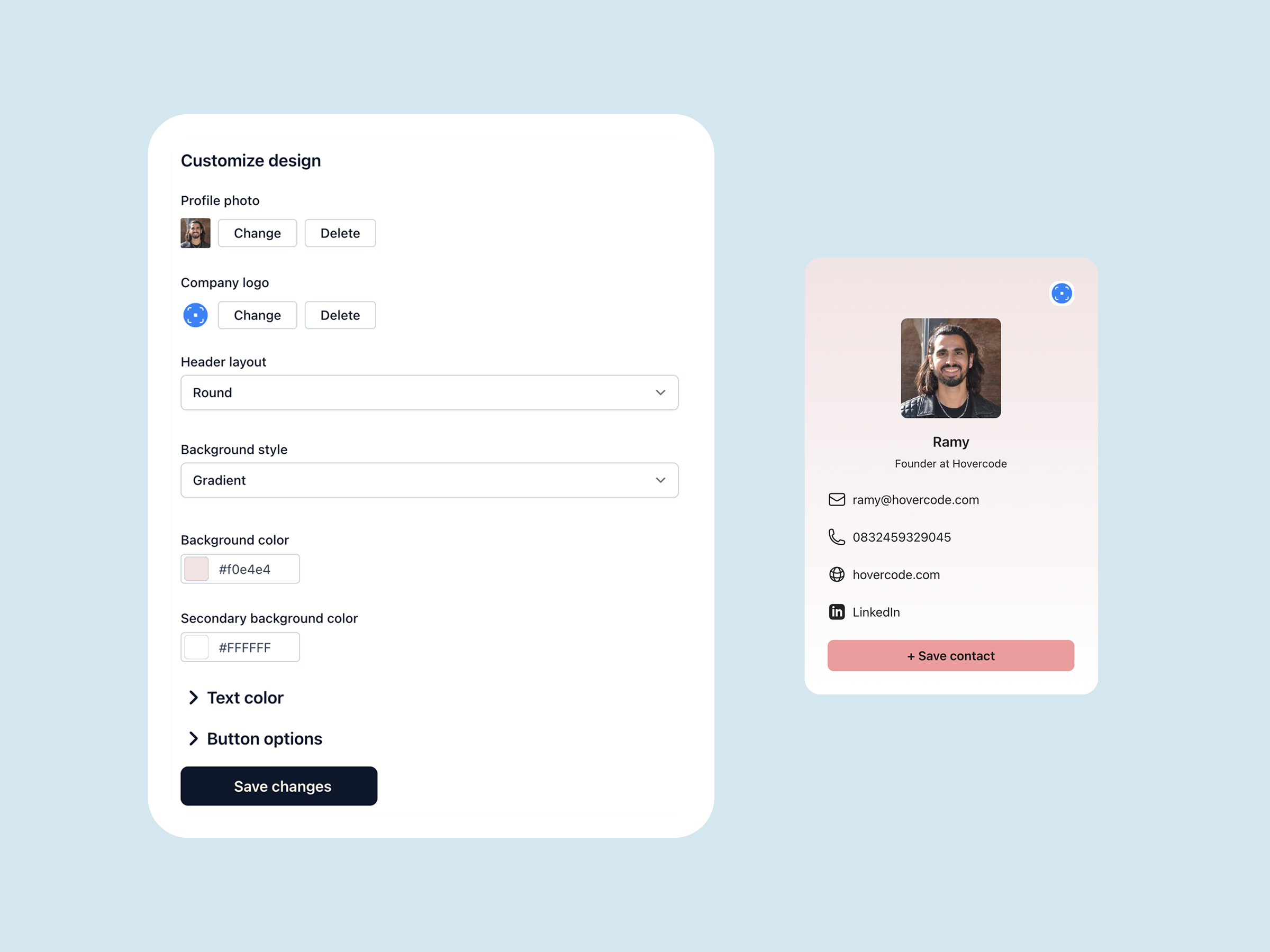
Custom Digital business card
Unlock flexible layouts, CTA styles, and Canva-ready templates.
Free on iOS
Digital business card app
Share your card in one tap, scan anyone's QR code, and keep every contact on iPhone.
On-device OCR
Business card scanner app
Point your camera at a paper business card and save it as a contact in seconds.