No trial. No credit card. Free on the App Store.
The free digital business card app
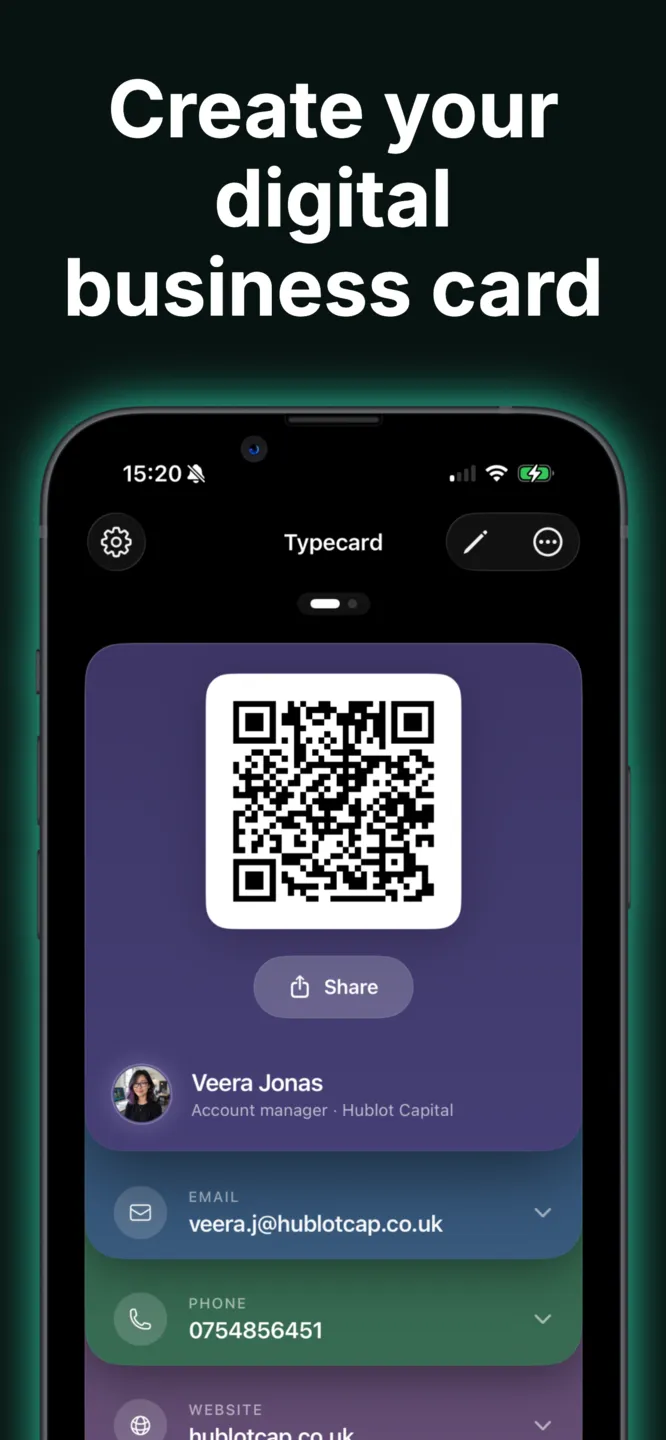
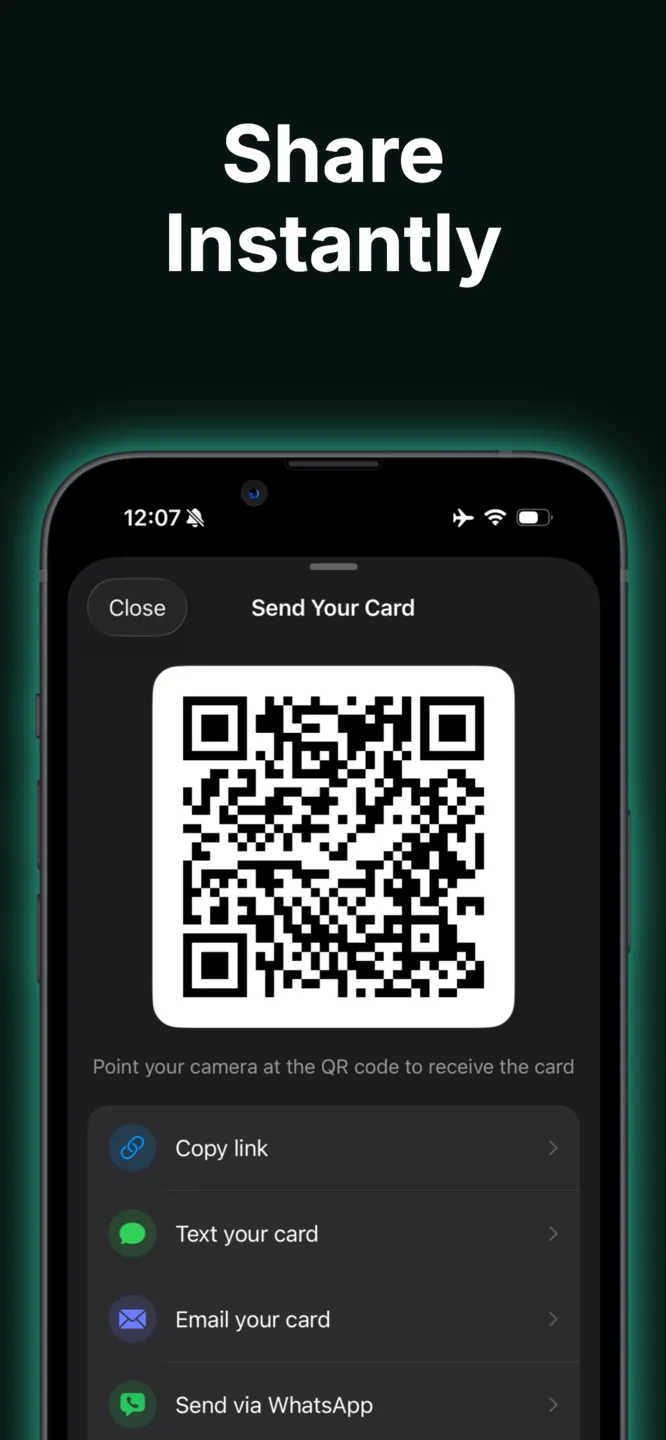
Turn your iPhone into your business card — for free. Share your details in one tap, scan the cards you're handed, and keep every connection in one place. No paper, no friction, no paywall.
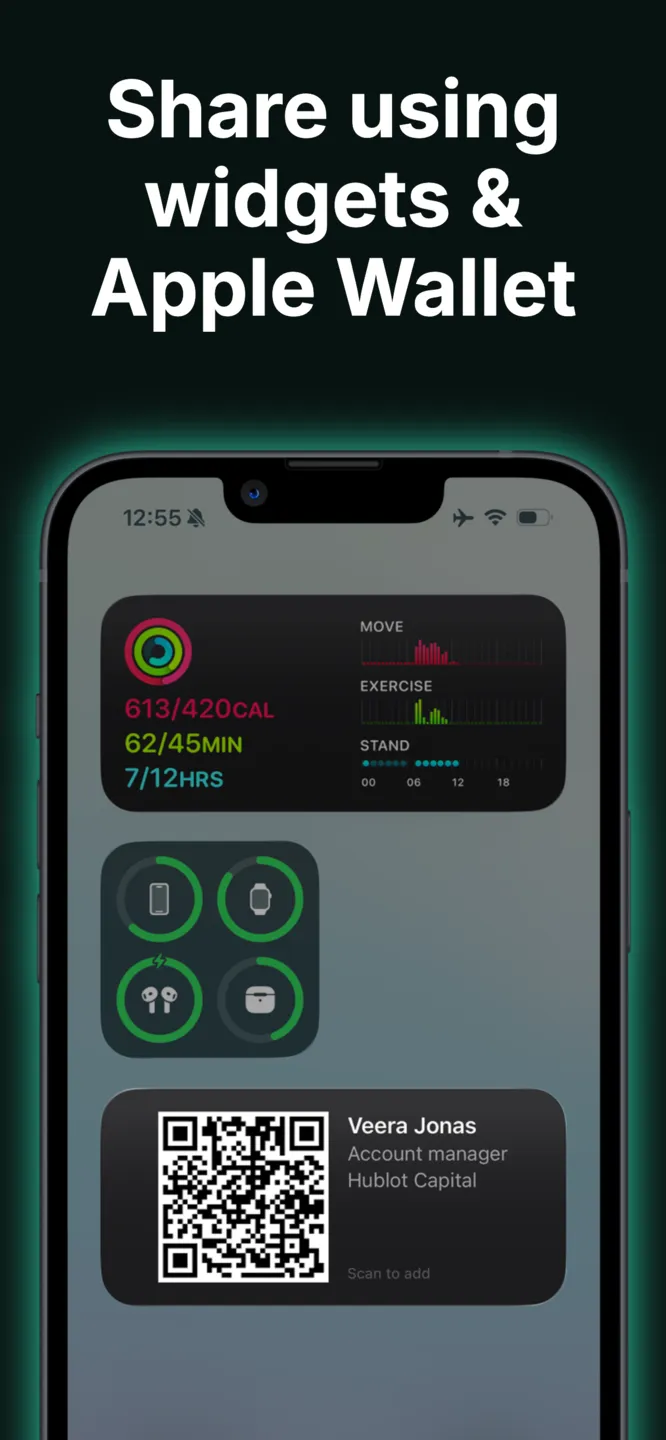
One-tap sharing
Your card behind a QR code
Open the app, show your QR code, done. The other person scans it with their camera and gets your card instantly — they don't need to install anything.
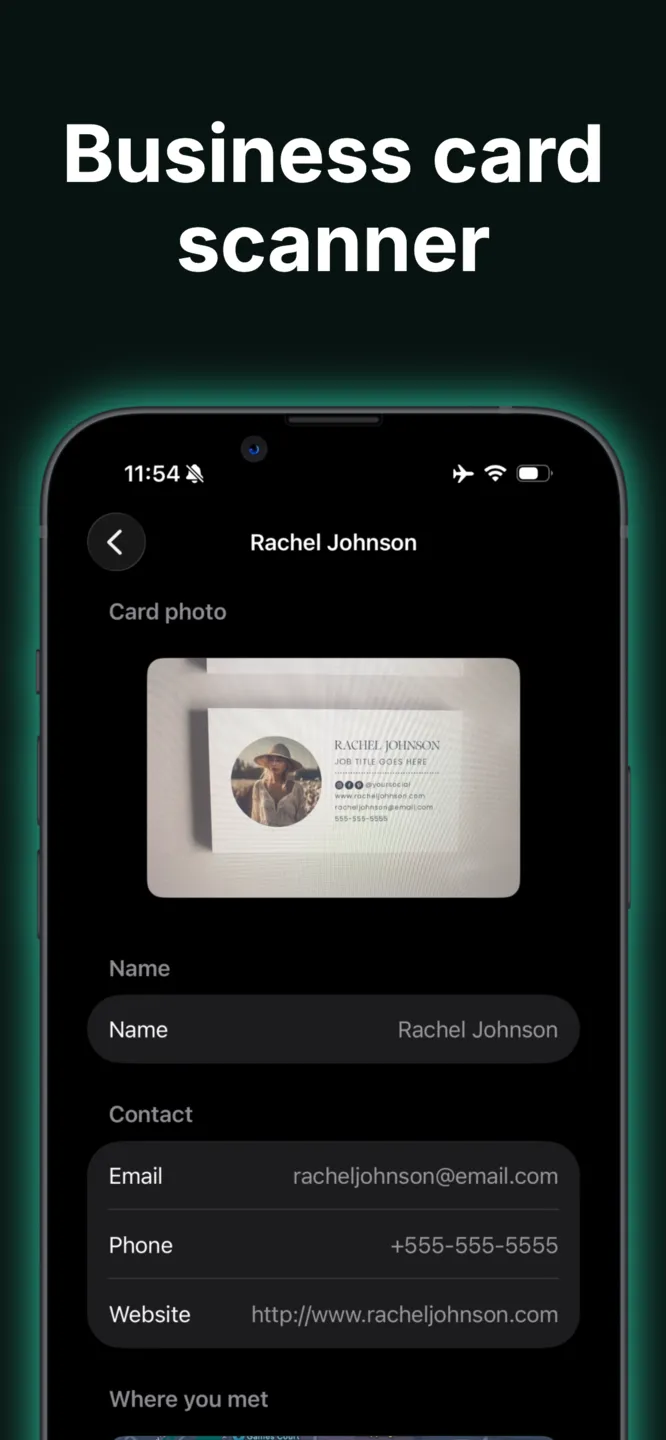
Contact capture
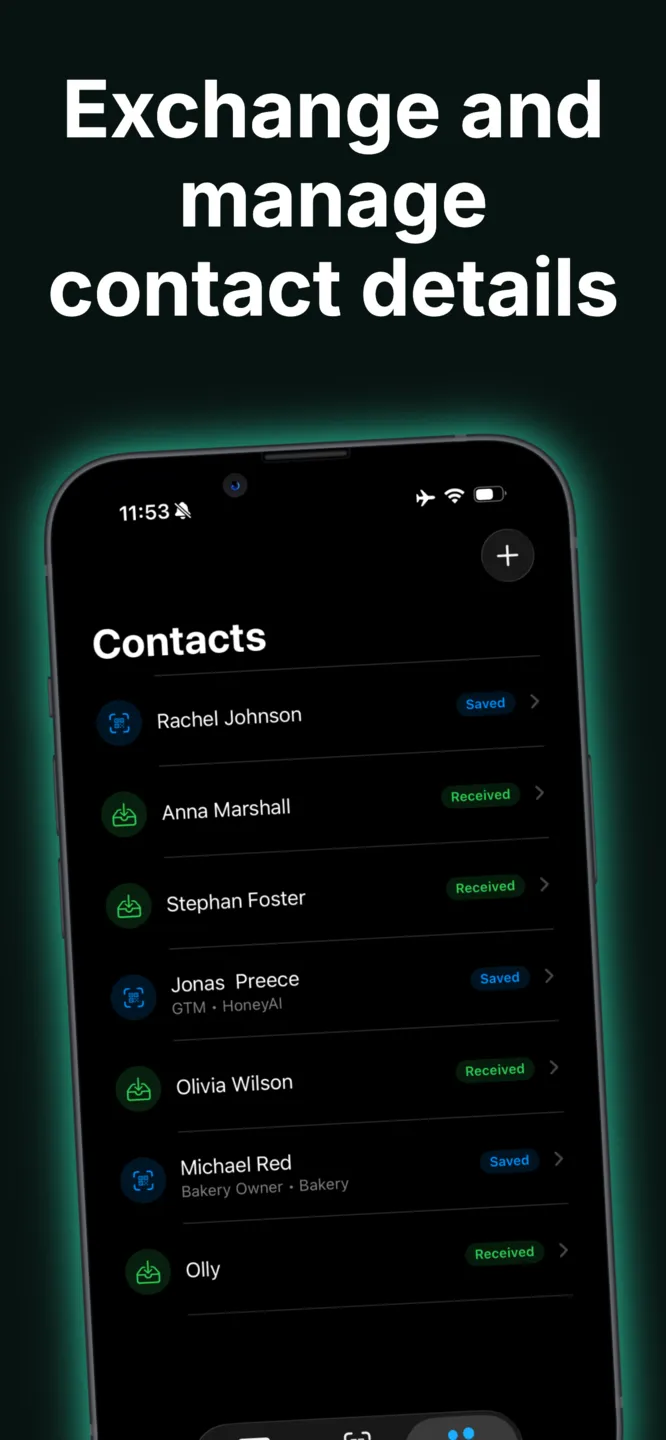
Scan cards, keep contacts
Scan the QR codes and business cards you're handed, and keep every connection organized in the app instead of a pocket full of paper.
Make it yours
On-brand card design
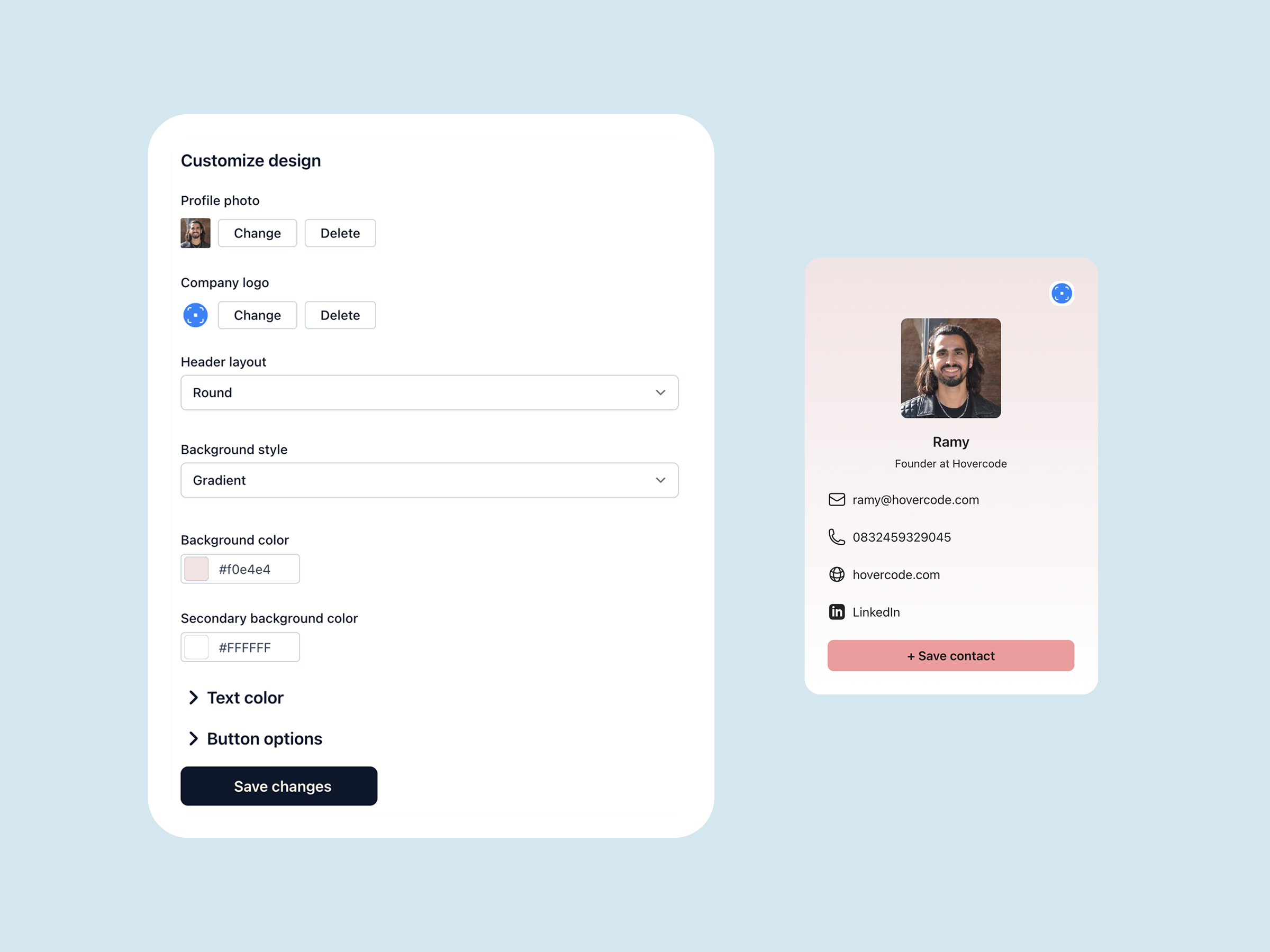
Pick from themes and color palettes, add your photo, links, and socials, and update your details any time — everyone who has your card always sees the latest version.
Built for the moment you meet someone
A digital business card app only works if it's faster than paper. Typecard is designed to get your details across in seconds, then get out of the way.
-
01
Add the home screen widget so your QR code is one tap from anywhere.
-
02
Whoever you meet opens your card in their browser — no app or signup needed on their side.
-
03
Your card syncs with your Typecard account, so you can edit it on the web or in the app.
Why Typecard
Light, fast, and free
The app weighs under 3 MB, opens instantly, and costs nothing. Everything you need to network without paper, and nothing you don't.
- —Free to download and use — no trial countdown
- —Works on iPhone, Mac, and Apple Vision
- —Pairs with Apple Wallet passes and printed QR codes

Frequently asked questions
- Is the Typecard app really free, or is it a trial?
- Really free. There's no trial period, no credit card required, and no watermark — your card keeps working forever. Paid plans only exist for teams that want centralized card management; see pricing for details.
- Does the person I'm sharing with need the app?
- No. When someone scans your QR code or opens your link, your card opens in their web browser. They can save your details to their phone contacts from there.
- What do I need to run it?
- An iPhone on iOS 17 or later. The app also runs on Apple Silicon Macs and Apple Vision.
- Is there an Android version?
- Not yet. On Android you can use Typecard from the browser — create and edit your card on the web, save it to Google Wallet, and share it with a link or QR code.
- Can I edit my card on my computer?
- Yes. Your card lives in your Typecard account, so you can edit it on the web or in the app and the changes show up everywhere your card is shared.
Get the free digital business card app
Download Typecard free on the App Store, or start building your free card on the web right now — it takes about two minutes.
More Typecard features
See what else you can do with Typecard
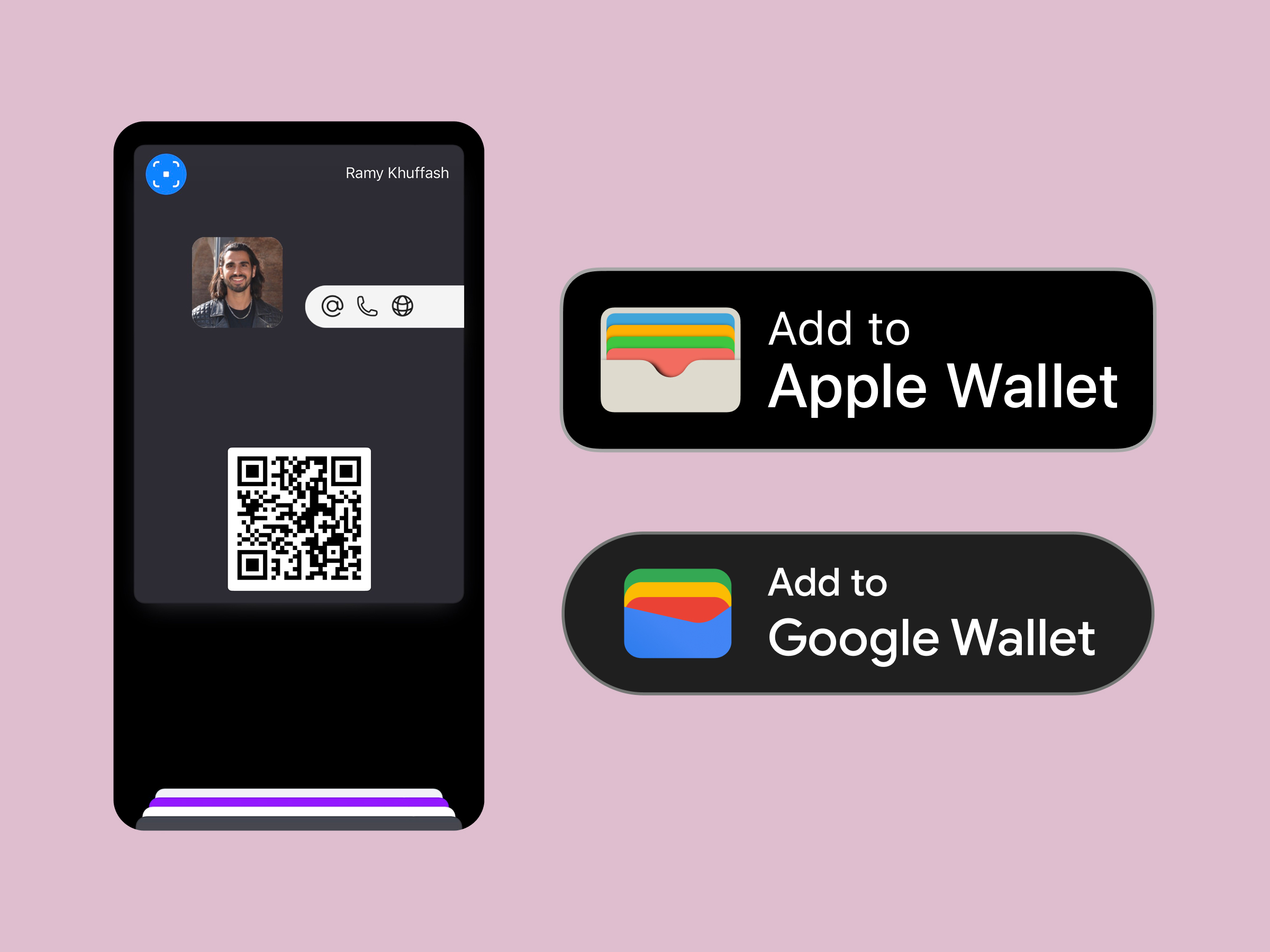
Wallet sharing
Apple wallet business card
Drop your card into Apple and Google Wallet for double-click sharing.
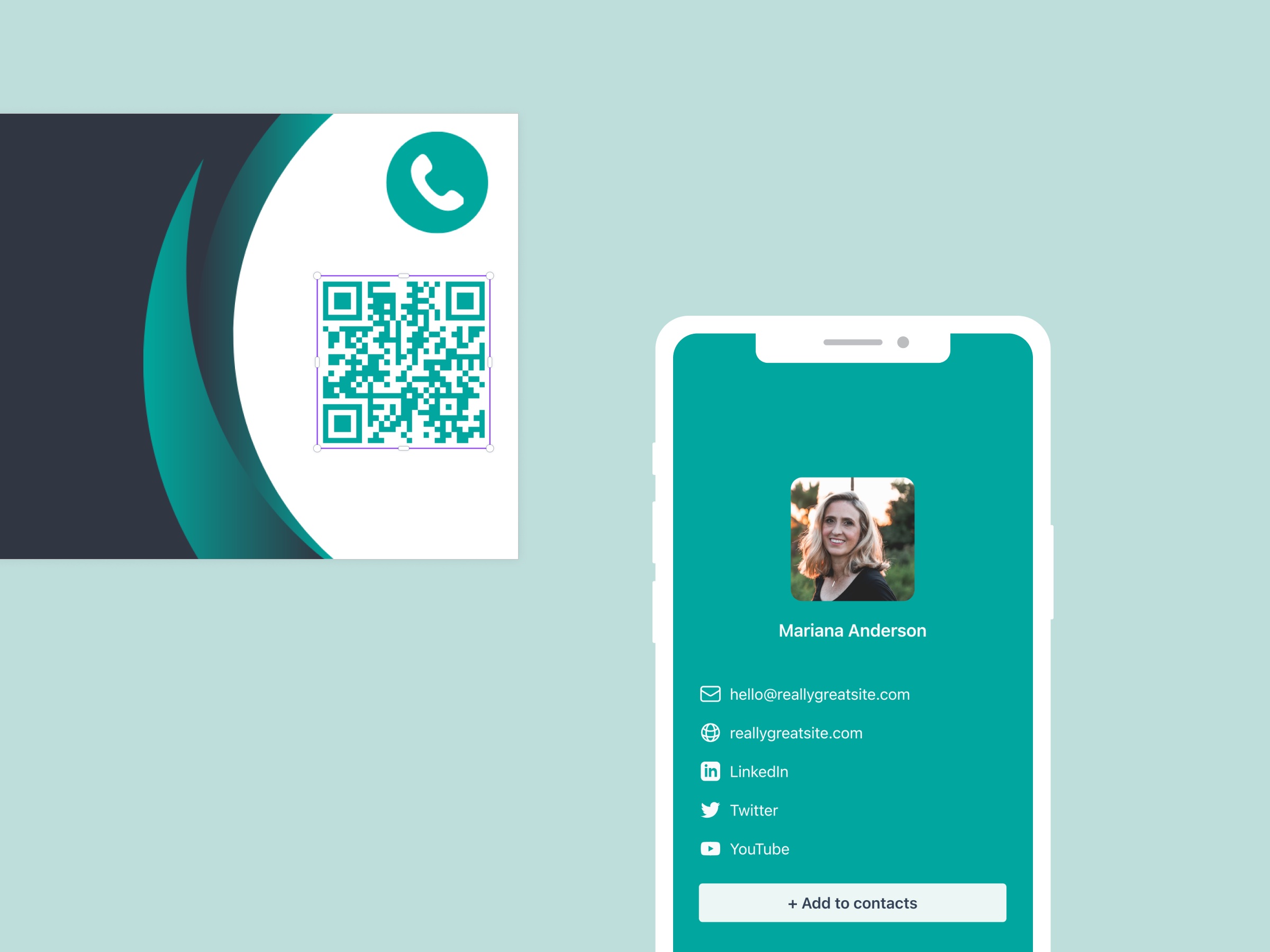
Print friendly
Business card QR code
Generate on-brand QR codes that route from print to your digital profile.
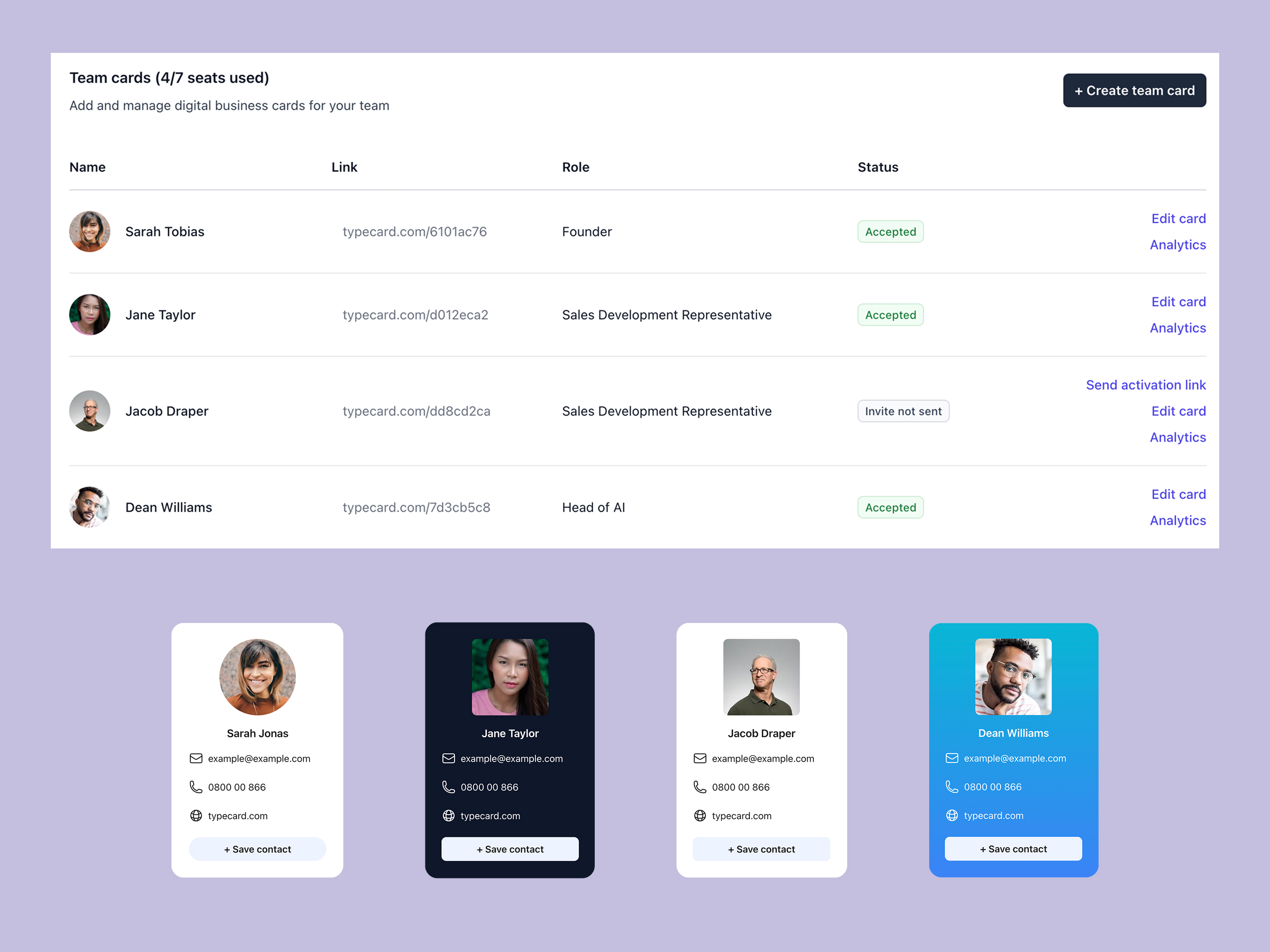
For companies
Digital business card for teams
Manage cards for every employee with approvals, analytics, and templates.
Design control
Custom Digital business card
Unlock flexible layouts, CTA styles, and Canva-ready templates.
On-device OCR
Business card scanner app
Point your camera at a paper business card and save it as a contact in seconds.
For events
Trade show badge scanner
Scan the badges you collect at conferences and expos and turn them into contacts on the spot.